
Votre technicien vous a envoyé ici pour qu'on puisse vous aider.
Your technician sent you here so we can help on your computer.
Choisissez votre appareil ci-dessous — restez au téléphone avec nous.
Choose your device below — stay on the phone with us.
Cliquez ci-dessous. Enregistrez dans Téléchargements.
Click below. Save to Downloads.
Télécharger pour WindowsDownload for WindowsOuvrez Téléchargements (Ctrl+J). Double-cliquez rustdesk…exe. Si Windows affiche « protégé votre PC » → Informations complémentaires → Exécuter quand même. Suivant → Installer.
Open Downloads (Ctrl+J). Double-click rustdesk…exe. If Windows says « protected your PC » → More info → Run anyway. Next → Install.
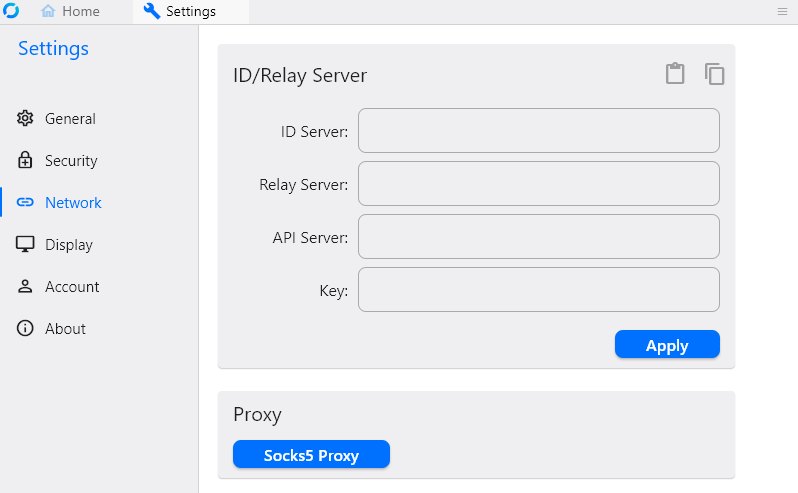
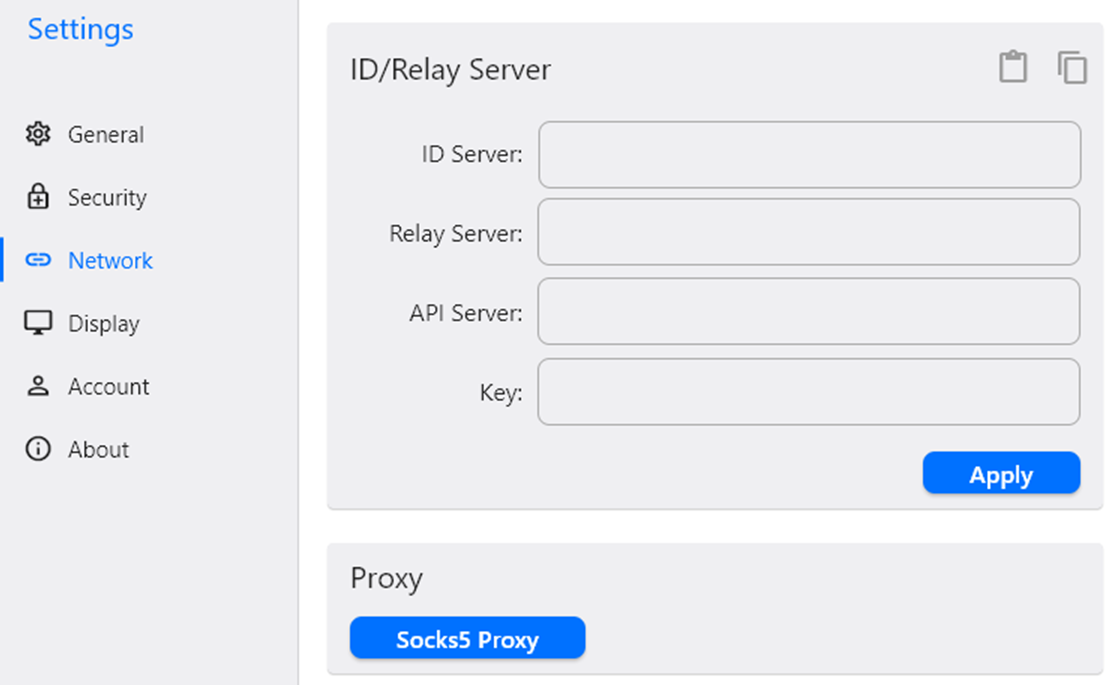
Ouvrez RustDesk → menu ⋮ à côté de votre ID → Réseau → Déverrouiller. Collez les valeurs ci-dessous :
Open RustDesk → ⋮ menu next to your ID → Network → Unlock. Paste the values below:
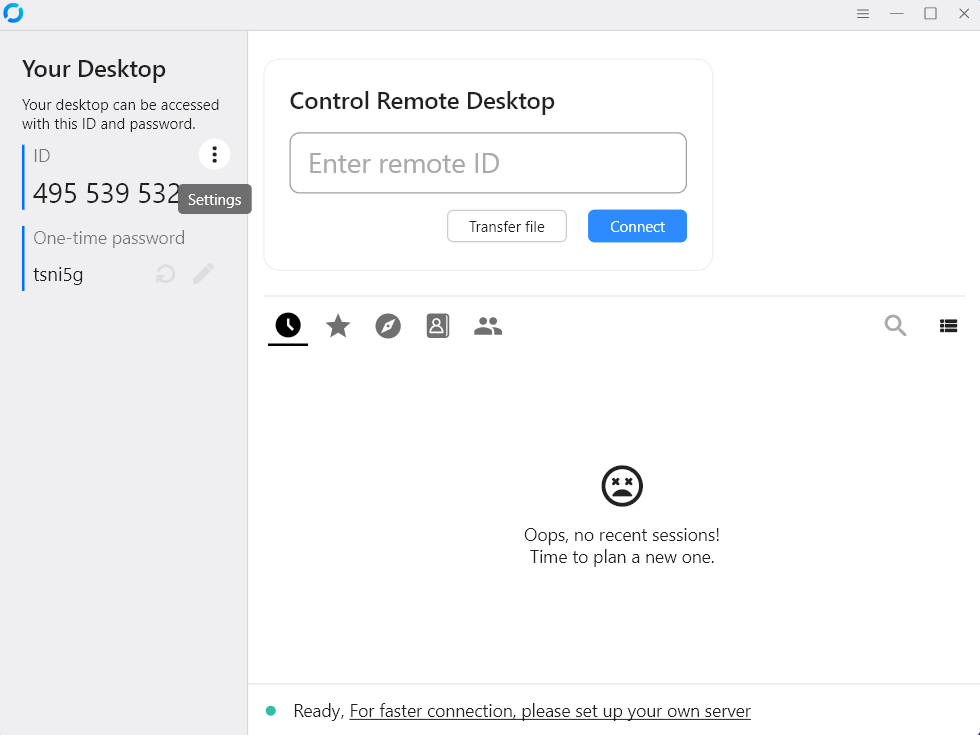
Capture — documentation officielle RustDesk
Screenshot — official RustDesk documentation
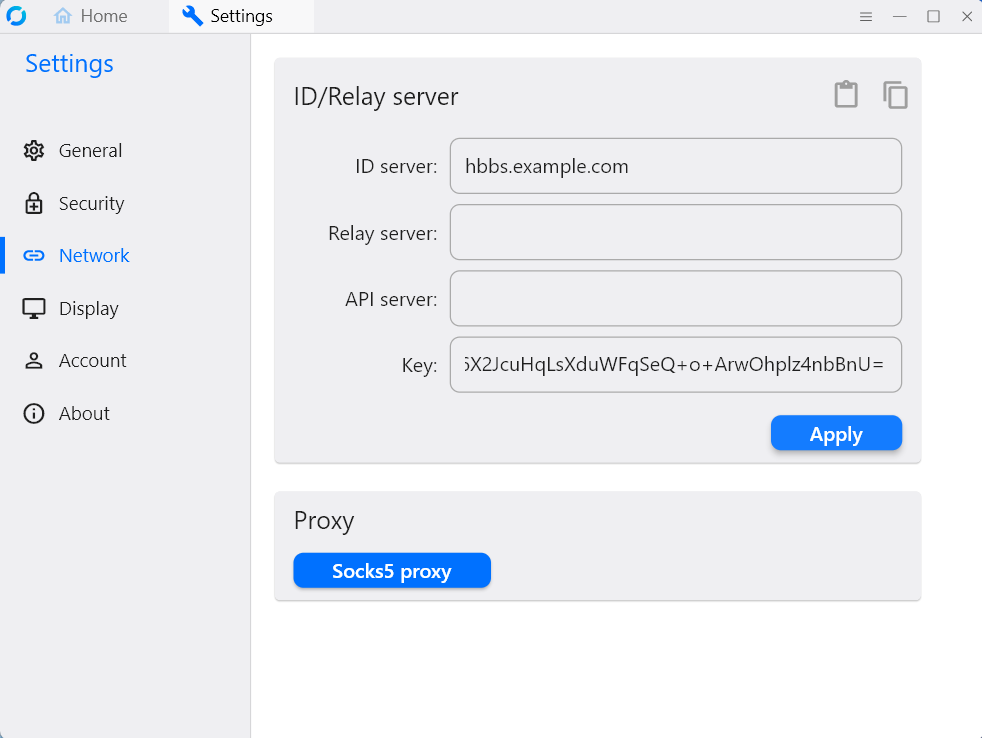
Serveur ID :
ID server:
Clé :
Key:
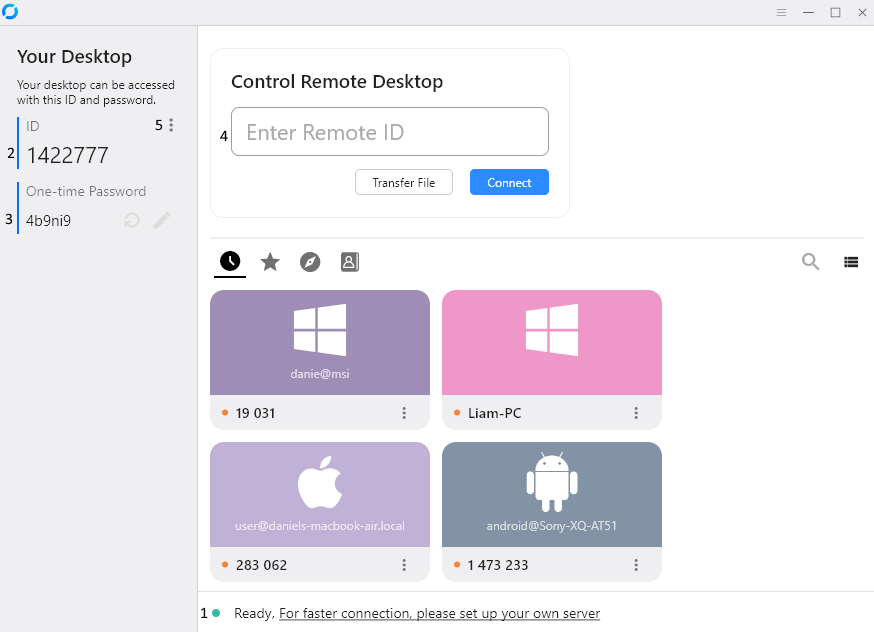
En haut à gauche de RustDesk — lisez le numéro au technicien.
Top-left in RustDesk — read the number to your technician.
Quand le technicien se connecte, une fenêtre RustDesk apparaît sur Windows — cliquez Accepter (ou Accept).
When the technician connects, a RustDesk window pops up on Windows — click Accept.
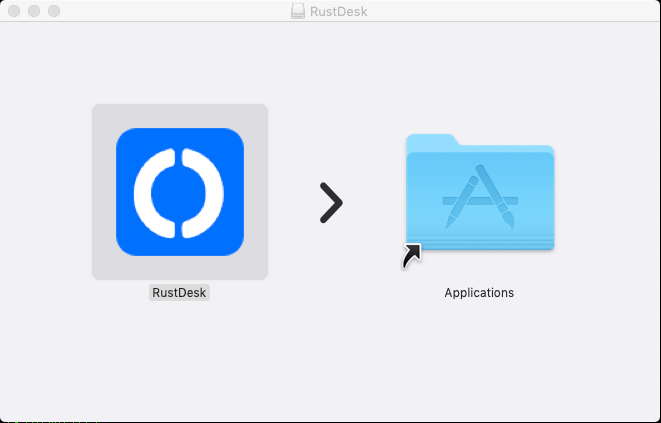
Glissez RustDesk dans Applications
Drag RustDesk to Applications
Même configuration que Windows (étape 3) — serveur et clé dans la section Windows ci-dessus.
Same as Windows step 3 — server and key in the Windows section above.
Quand le technicien se connecte → cliquez Autoriser.
When the technician connects → click Allow.
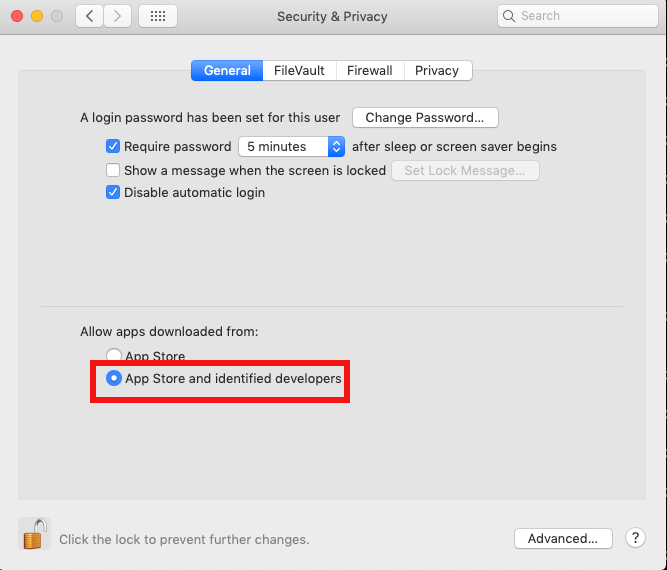
Capture macOS — documentation officielle RustDesk
macOS screenshot — official RustDesk documentation
Téléchargez le paquet pour votre distribution, installez, puis configurez le réseau comme Windows.
Download the package for your distro, install, then configure network like Windows.
Paramètres → ID / serveur — le technicien vous guidera.
Settings → ID / server — technician will guide you.
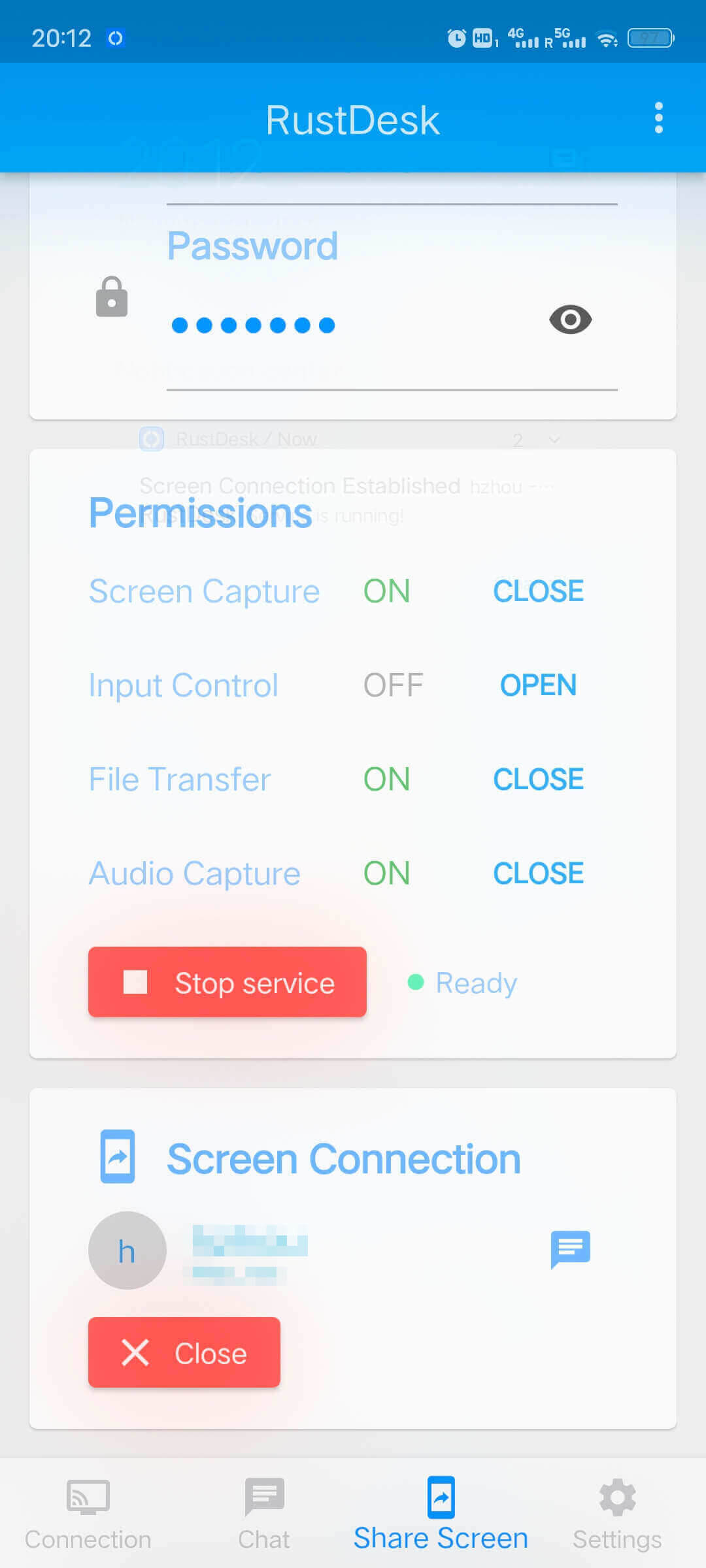
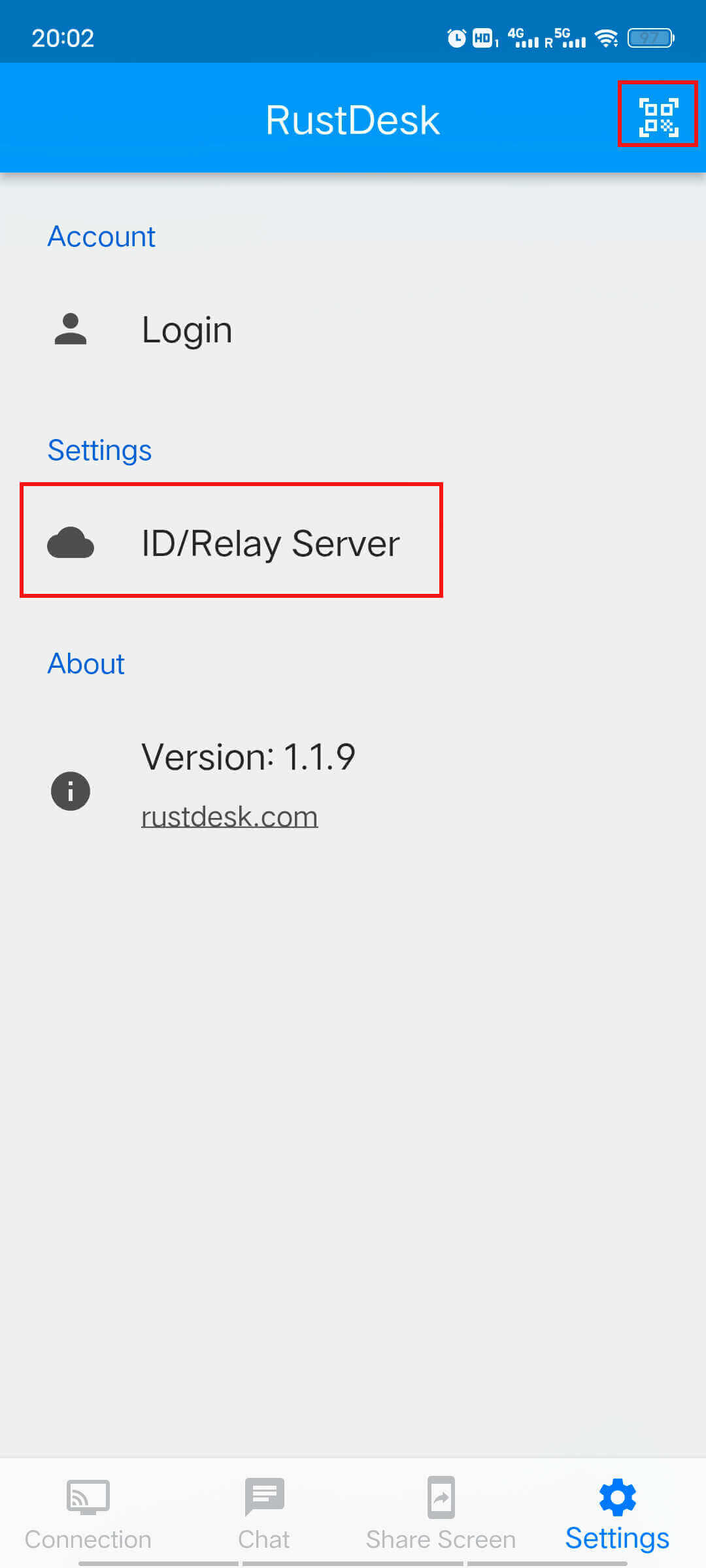
Après installation → Réglages → Réseau dans RustDesk. Appelez le technicien au 450 605-1015.
After install → Settings → Network in RustDesk. Call technician at 450 605-1015.